


Microsoft recently released .Net Framework v3.0. Regardless of the fact that the next release of Visual Studio codenamed ORCAS is not yet released ( and therefore you are very unlikely to need to deploy any WinFX applications yet), one installation vendor has made a big deal of their `exclusive` support to target the new framework. They point to this as one of the reasons that makes them the `only viable alternative` to InstallShield. Well to quote a famous proverb:
"Give a man a fish and you feed him for a day; teach a man to fish and you feed him for a lifetime."
InstallShield 12 comes with a series of `Setup Prerequisites`. In a nutshell, these are XML project files that describe the contents, conditions, execution and other attributes of a redistributable package that you need your setup.exe bootstrapper to install prior to running your main MSI installation package. Additionally there is a Setup Prerequisite Editor that allows developers to fully define their own prerequisites.
So let's walk through creating our own Setup Prerequisite:
Download the full redistributable from Microsoft. While it's downloading review this whitepaper that tells you everything you need to know to implement the setup prerequisite.
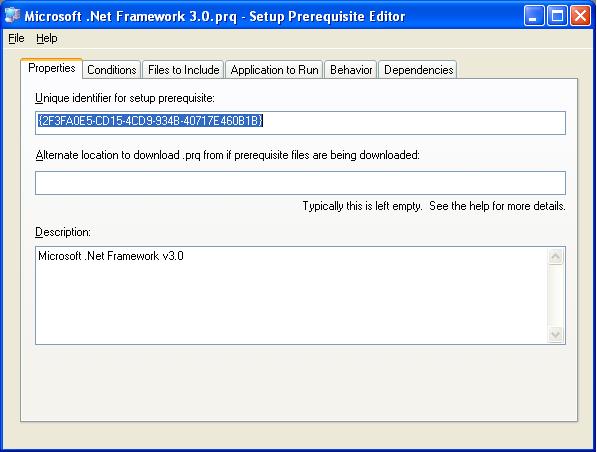
Open up your InstallShield project and select Tools Prerequisite editor. First do a File Save As. Next we'll start with the properties tab. Add in a description:
So let's walk through creating our own Setup Prerequisite:
Download the full redistributable from Microsoft. While it's downloading review this whitepaper that tells you everything you need to know to implement the setup prerequisite.
Open up your InstallShield project and select Tools Prerequisite editor. First do a File Save As. Next we'll start with the properties tab. Add in a description:
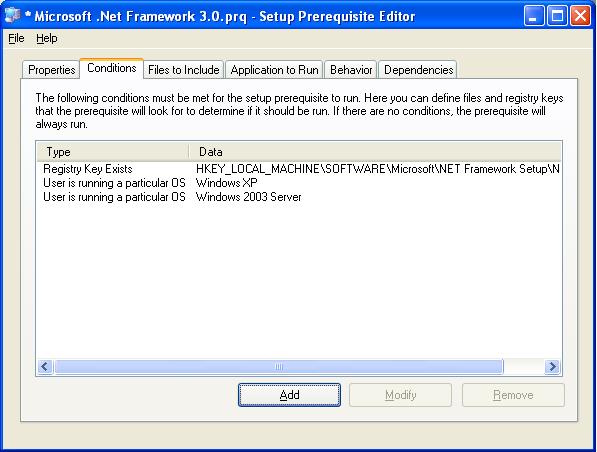
Next click on the conditions tab and add our conditions. Were going to tell it to install when a certain registry key is missing and the OS is XP or 2003.
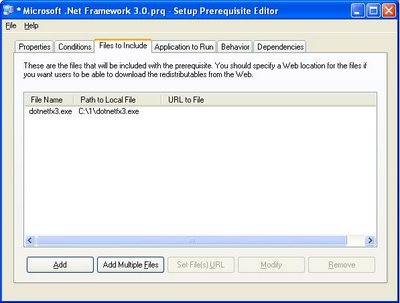
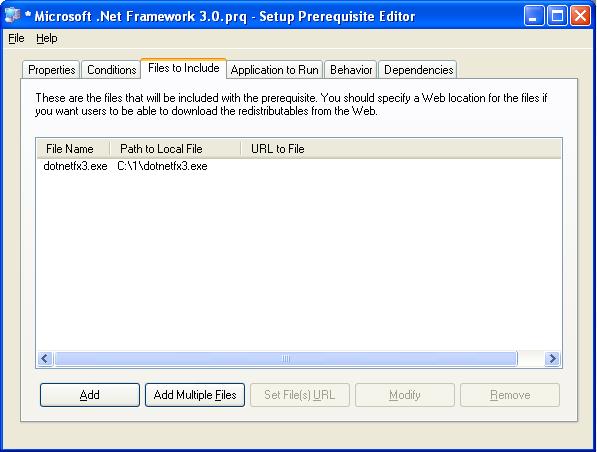
Now let's add the file we downloaded from Microsoft.
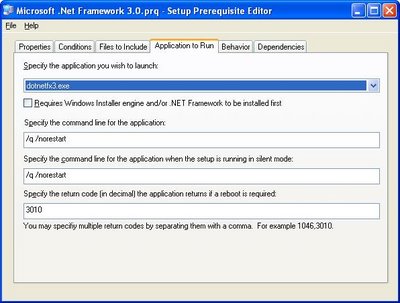
Now we teach InstallShield how to install the package silently and check to see if a reboot is needed.

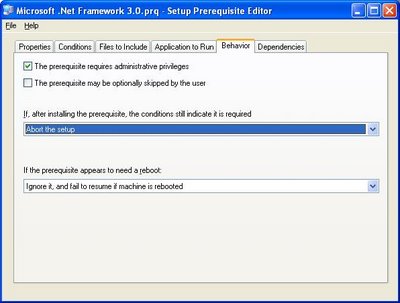
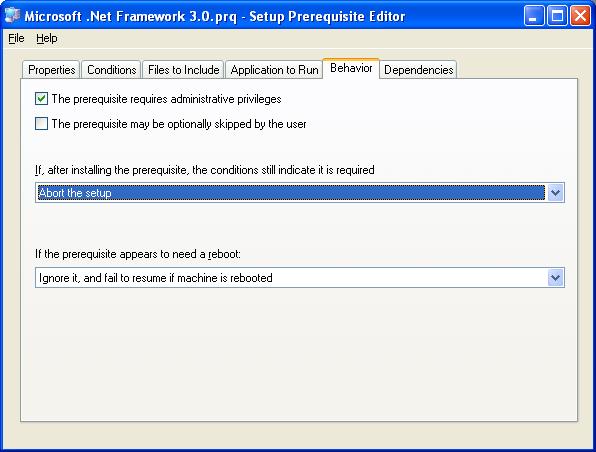
Finally, let's set some attributes that complete describing the installation story to InstallShield.
Next we save the prereq and add it to our Project.

Now it's time to build and deploy to a test machine that doesn't have .Net 3.0.

That's all there is to it. When you run your setup.exe the redist is installed and then your MSI package is installed. When you run setup.exe again it skips installing .Net and goes to servicing your install.

